Admin Portal Guide
Aafiya Managed Care Platform — v1.2.0
Overview
The Admin Portal is the central administration interface for platform configuration, operational management, user administration, and AI services oversight. It is used by system administrators, operations managers, and clinical administrators. Access is restricted to users with STAFF_ADMIN or administrative roles.
Getting Started
Navigate to the Admin Portal URL and log in with your administrative credentials. The portal uses a two-panel sidebar layout: the left sidebar is organised into Configuration and Operations groups, with a top bar for global search, notifications, and profile.
Dashboard
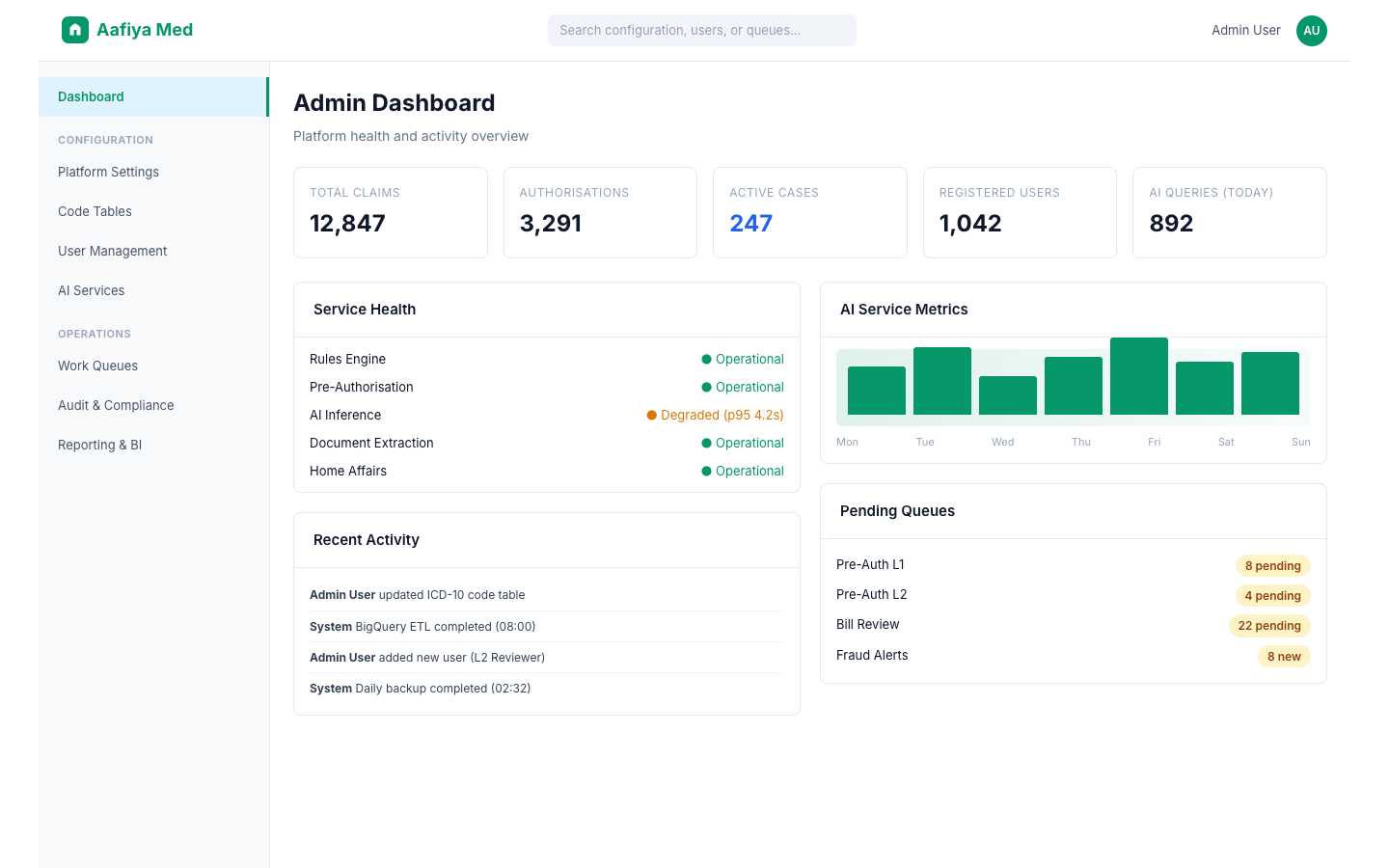
The admin dashboard provides a high-level overview of platform health and activity including system-wide KPIs (total claims, authorisations, active cases), service health status indicators, a recent activity feed, pending review queues summary, and AI service usage metrics.
Configuration
The Configuration section contains settings that define how the platform operates.
Platform Settings
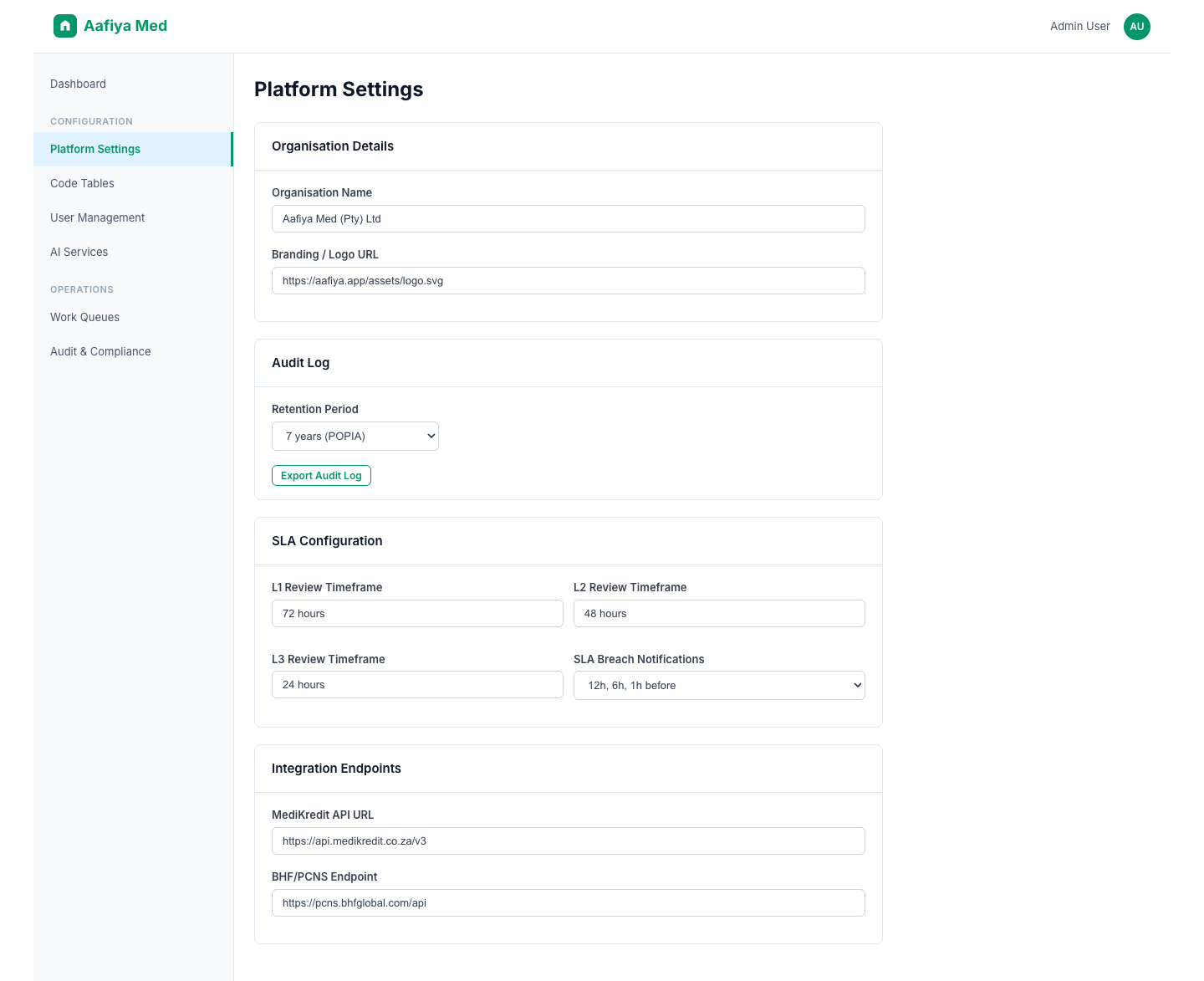
Configure global platform parameters including organisation details (name, branding, contact information), audit log retention periods, notification default channels, SLA timeframes, and integration endpoints for external systems (MediKredit, BHF/PCNS).
Network Management
Create and manage provider network agreements, maintain the directory of registered providers, monitor network SLA compliance, and define reimbursement rates and terms per network.
Code Tables
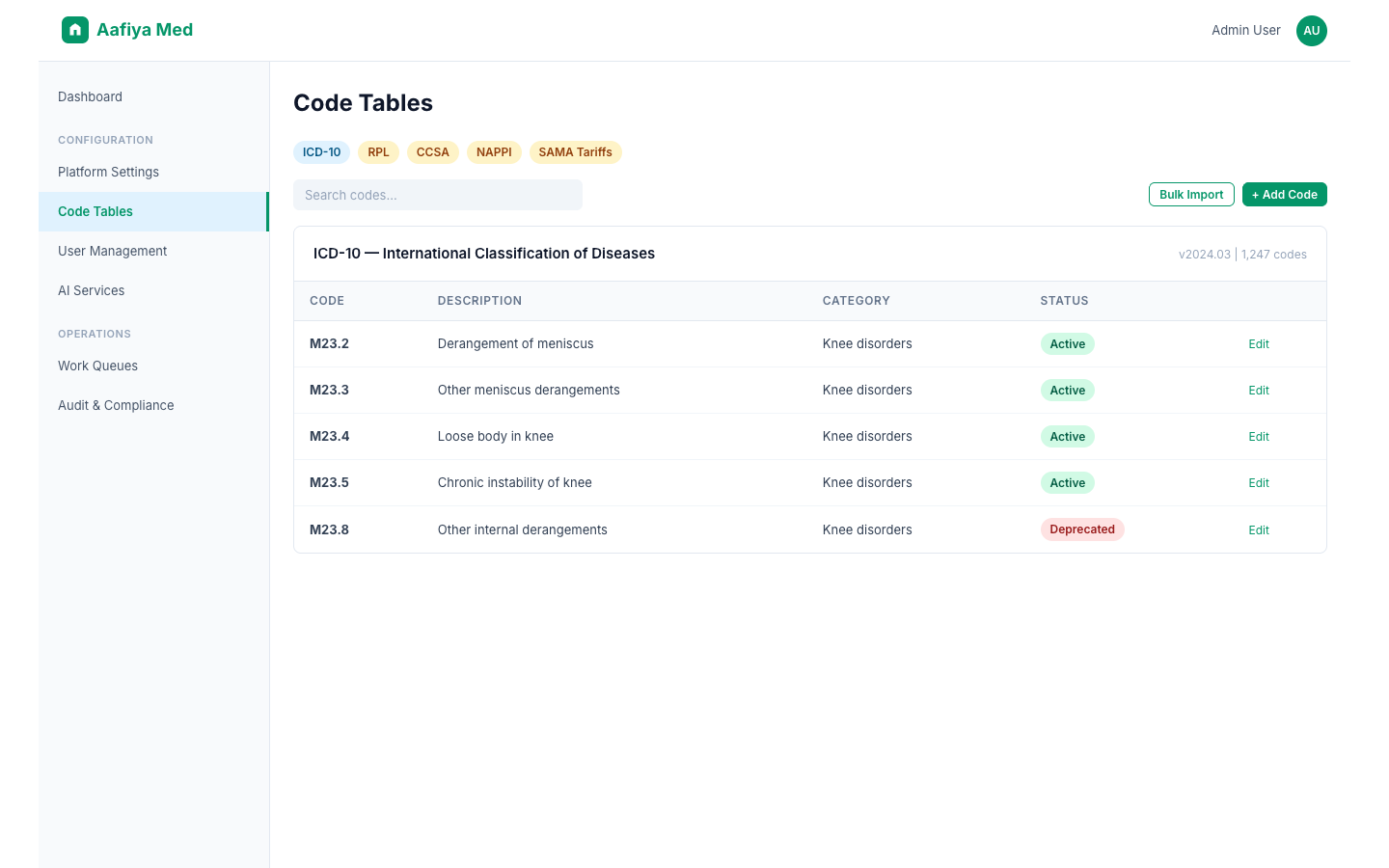
Maintain clinical coding reference data including ICD-10, RPL (Relative Price List), CCSA (Clinical Coding Standards of South Africa), NAPPI (National Pharmaceutical Product Interface), and SAMA tariff codes. Supports add/edit/deactivate, bulk import via CSV/Excel, and version history tracking.
Templates
Manage communication templates (SMS, WhatsApp, email) and document templates for correspondence. All templates require approval before they become active.
Pharmacy Formulary
Manage the approved medicine list with NAPPI codes, maintain Single Exit Price (SEP), define generic substitution rules, and manage ATC risk class ratings.
Operations
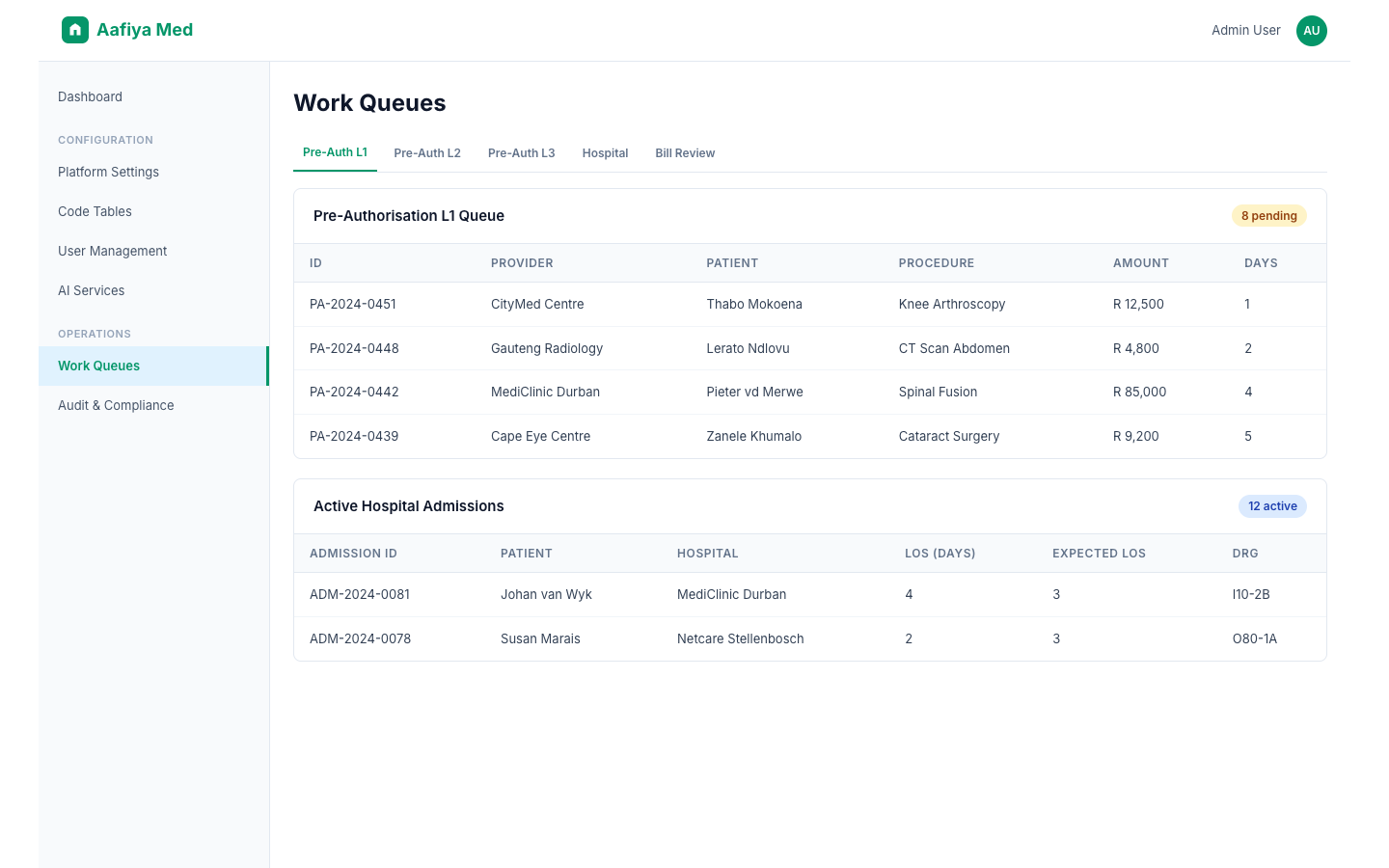
The Operations section provides access to all operational work queues and management interfaces:
| Queue | Description |
|---|---|
| Pre-Authorisation Queue | L1/L2/L3 workflow management with manual override capability |
| Hospital Benefit Management | Active admissions, LOS tracking, DRG classification, benefit authorisations |
| Bill Review | Pending invoices, auto-approved bills, flagged reviews, appeal queue |
| Case Management | Active cases, case assignment, escalation management, case closure |
| EMS Alerts | EMS admission alerts, acknowledgement workflow, data quality review |
| Serious Injuries | WPI assessments, narrative reports, AMA Guide compliance verification |
| Medical Expenses | Past and future expense assessments, 67 baskets of care management |
| HPCSA Tribunal | Professional conduct tribunal cases, hearings, decisions, document management |
| Fraud Detection | Fraud dashboard, alert queue, investigation tools, flag management |
| Reporting & BI | Standard reports, Power BI dashboards, DRG analysis, BigQuery export |
User Management
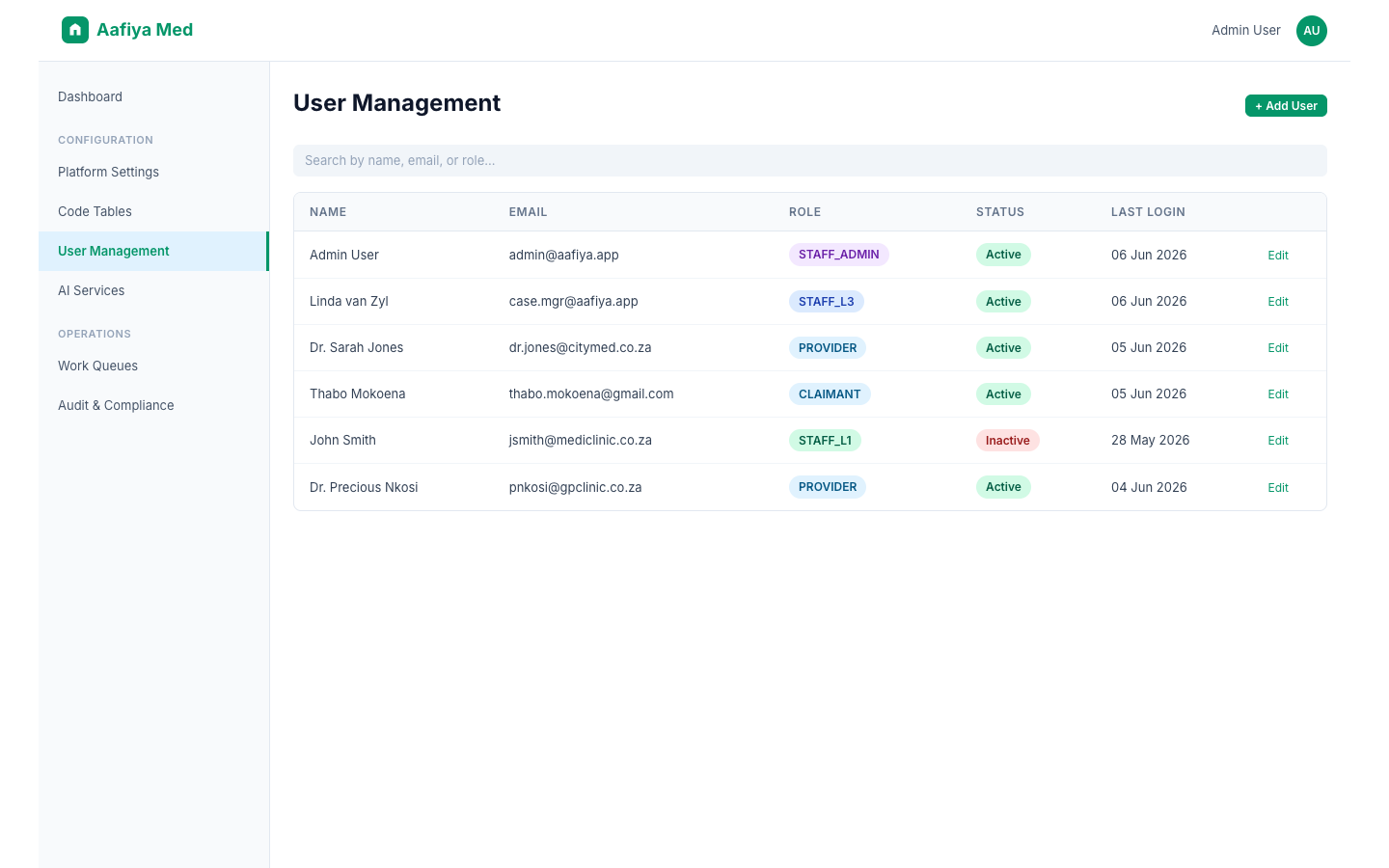
Manage platform users with a searchable user list that supports adding, editing, deactivating, and reactivating user accounts.
Role-Based Access Control
| Role | Permissions |
|---|---|
| STAFF_ADMIN | Full system access, configuration, user management |
| STAFF_L3 | Senior clinical reviewer — all clinical queues |
| STAFF_L2 | Clinical reviewer — pre-auth, bill review, case management |
| STAFF_L1 | Initial reviewer — basic queue access |
| PROVIDER | Provider portal — submit claims, view status |
| CLAIMANT | Claimant portal — view claims, submit appeals |
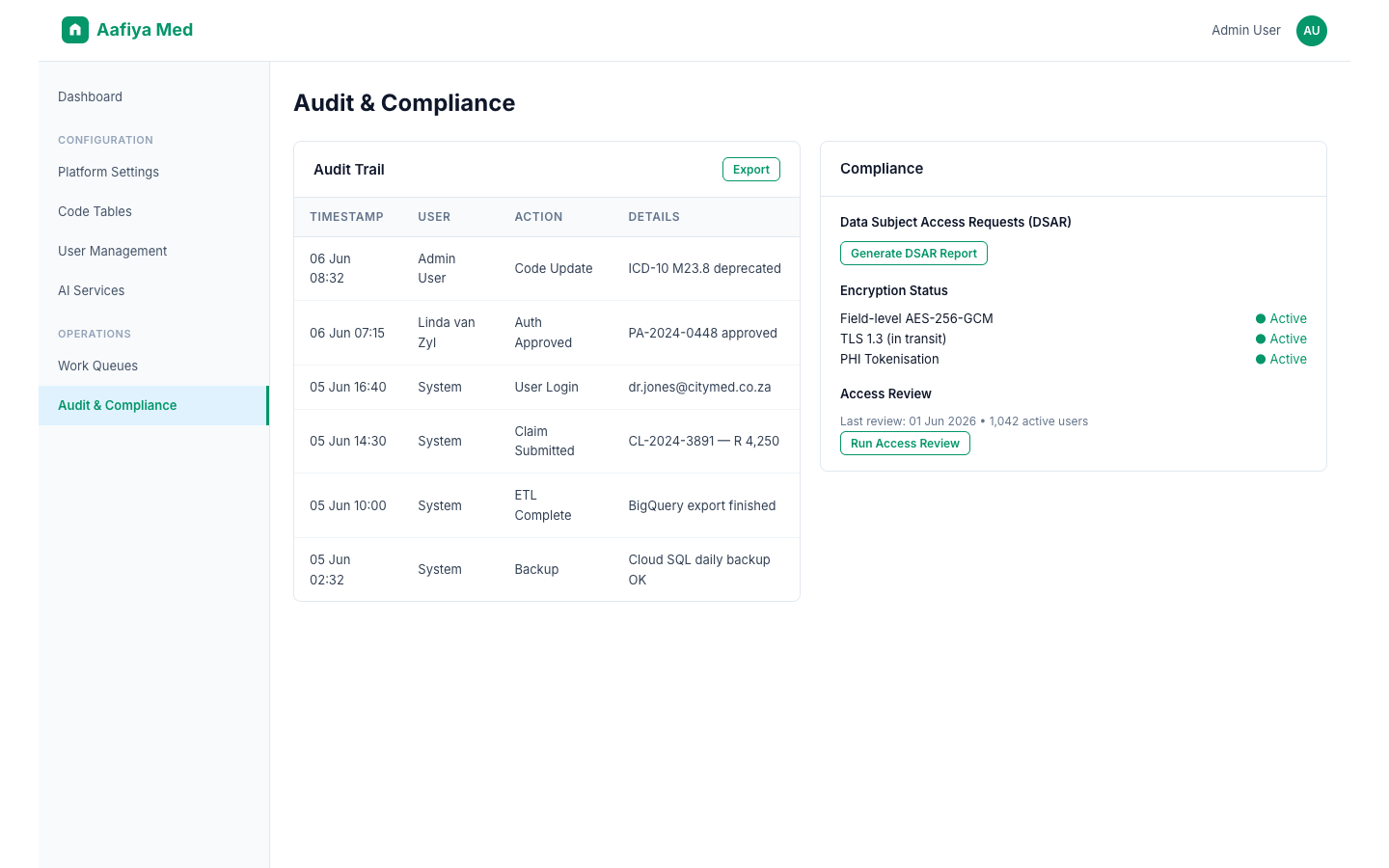
The audit logs section provides access to user login/activity history and configuration change logs, exportable for compliance purposes.
AI Services Management
Prompt Templates
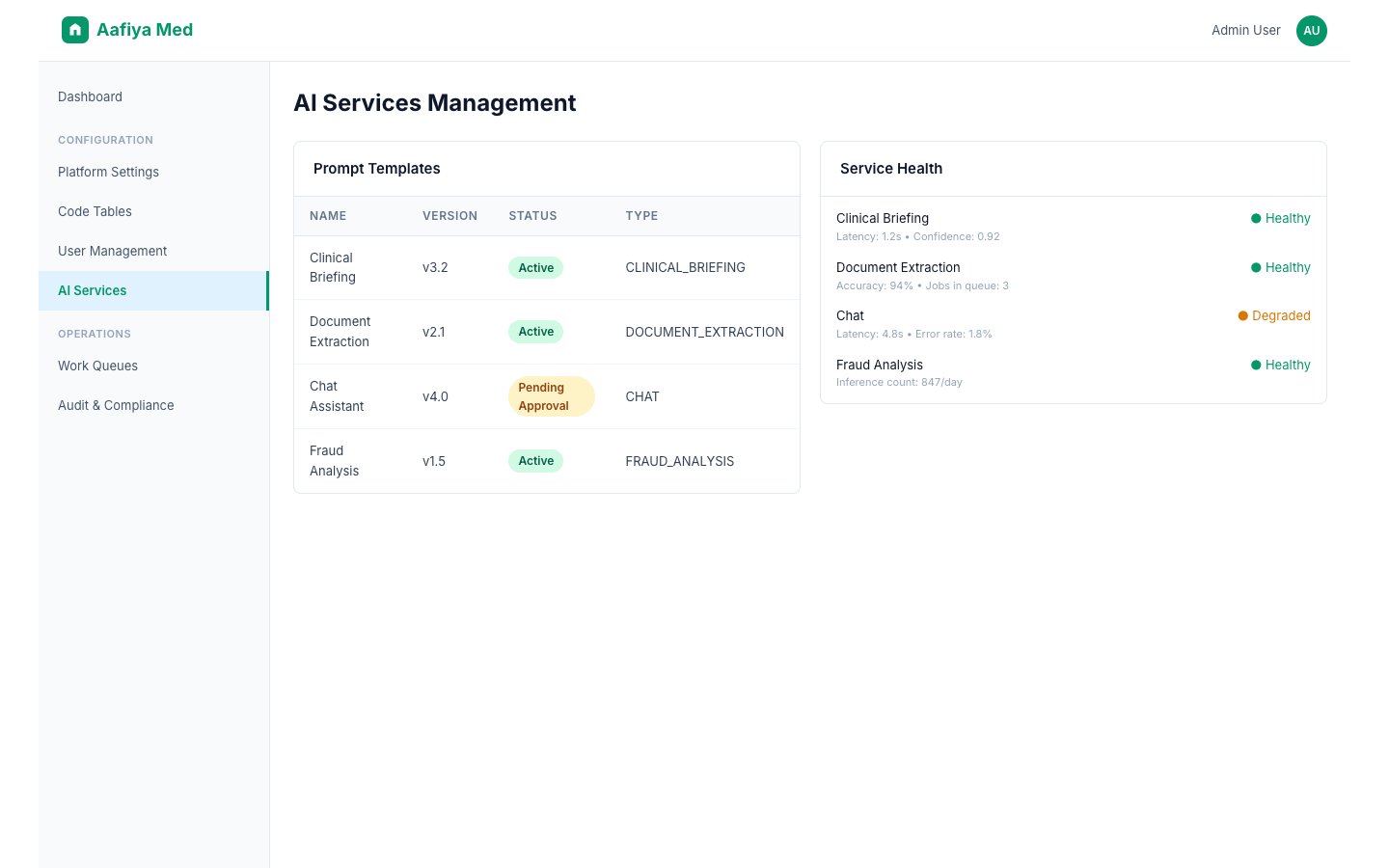
View, create, edit, and approve AI prompt templates. The platform supports version management with the ability to activate specific versions. Templates are categorised by task type: Clinical Briefing, Document Extraction, Chat, and Fraud Analysis.
Clinical Briefing
Monitor the AI clinical briefing service including briefing history, service health and latency metrics, and AI-detected anomaly flags in claims.
Document Extraction
Manage document extraction jobs with status tracking, extracted data review, failed job retry, and confidence score monitoring.
Audit & Compliance
The platform maintains an immutable 7-year audit trail. All configuration changes are logged with timestamp, user, and before/after values. All operational decisions are recorded. Audit logs are stored in Cloud Firestore with append-only access and are exportable for external audit purposes. Compliance reports can be generated for Data Subject Access Requests (POPIA), and encryption status can be verified.
Troubleshooting
| Issue | Resolution |
|---|---|
| Cannot access configuration page | Verify role permissions. Contact a STAFF_ADMIN user. |
| Code table import fails | Check file format and column headers. Ensure no duplicate codes exist. |
| User cannot access a portal | Verify role assignment. Check if the account is active. |
| AI service errors | Check service health endpoint. Verify API keys are valid. |
| Audit log export timeout | Large date ranges are processed asynchronously. Check export status. |
Support
- Email: admin-support@aafiya.app
- Slack: #imms-operations
- Phone: +27-XXX-XXXX
- Escalation: Contact VP Operations for critical administrative issues